> For the complete documentation index, see [llms.txt](https://docs.podiumbi.com/llms.txt). Markdown versions of documentation pages are available by appending `.md` to page URLs; this page is available as [Markdown](https://docs.podiumbi.com/admin-settings/manage-organizations.md).
# Manage Organizations
Let 's you setup custom domains, support for Google Analytics and Google Tag Manager, and create unique experiences using or Multi Org feature.
### One Podium BI subscription allows your customers to have a custom branded experience
* You host the PBIX files
* Give each customer a unique viewing experience, fully branded
* Each customer can have their own custom URL
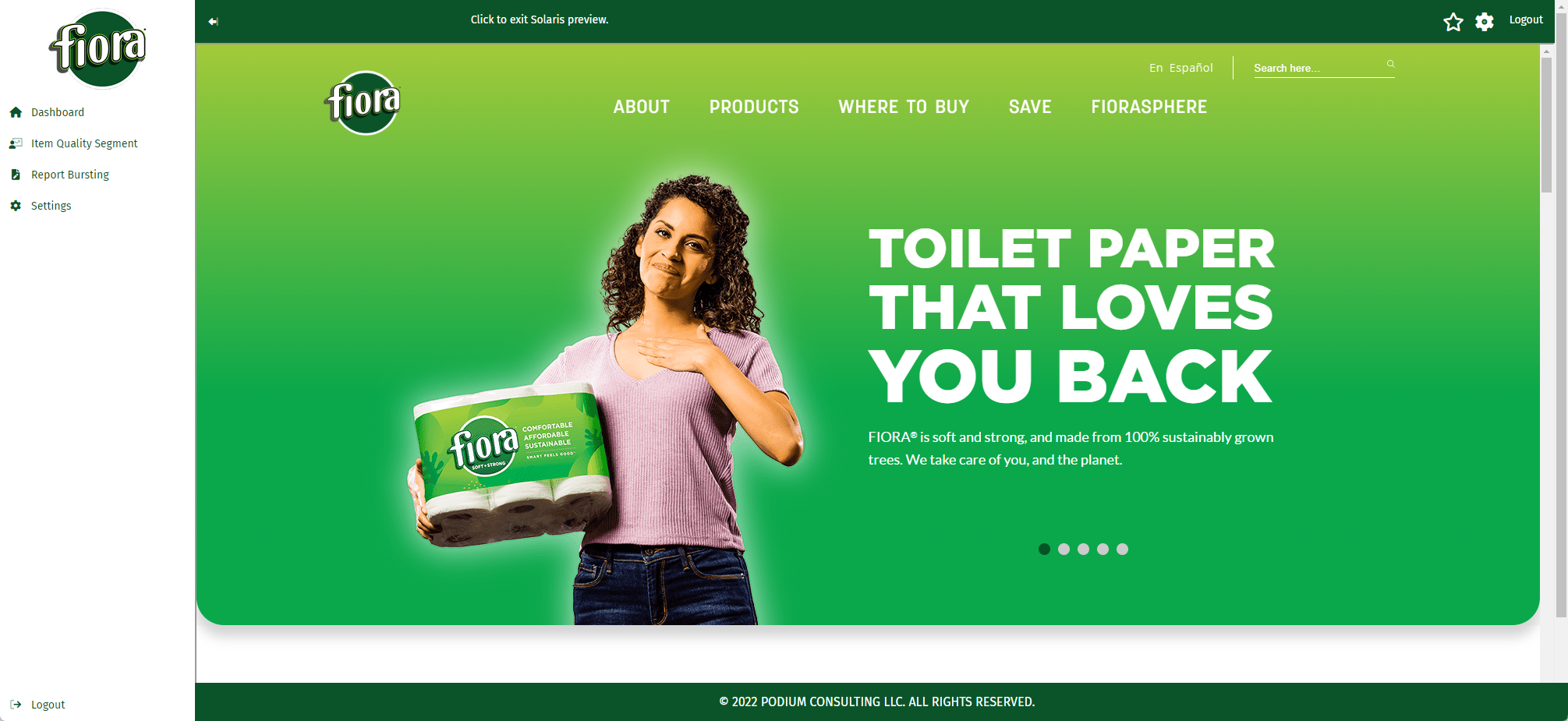
When someone from Fiora logs in they see their reports and their branding.
fiora
When someone from Big Wave BI logs in they see a completely different user experience
bigwavebi
{% hint style="info" %}
This is only needed if you want to present a different theme for different user groups. Please reach out to to set up a time to get an onboarding session for setting up multi organizations.
{% endhint %}